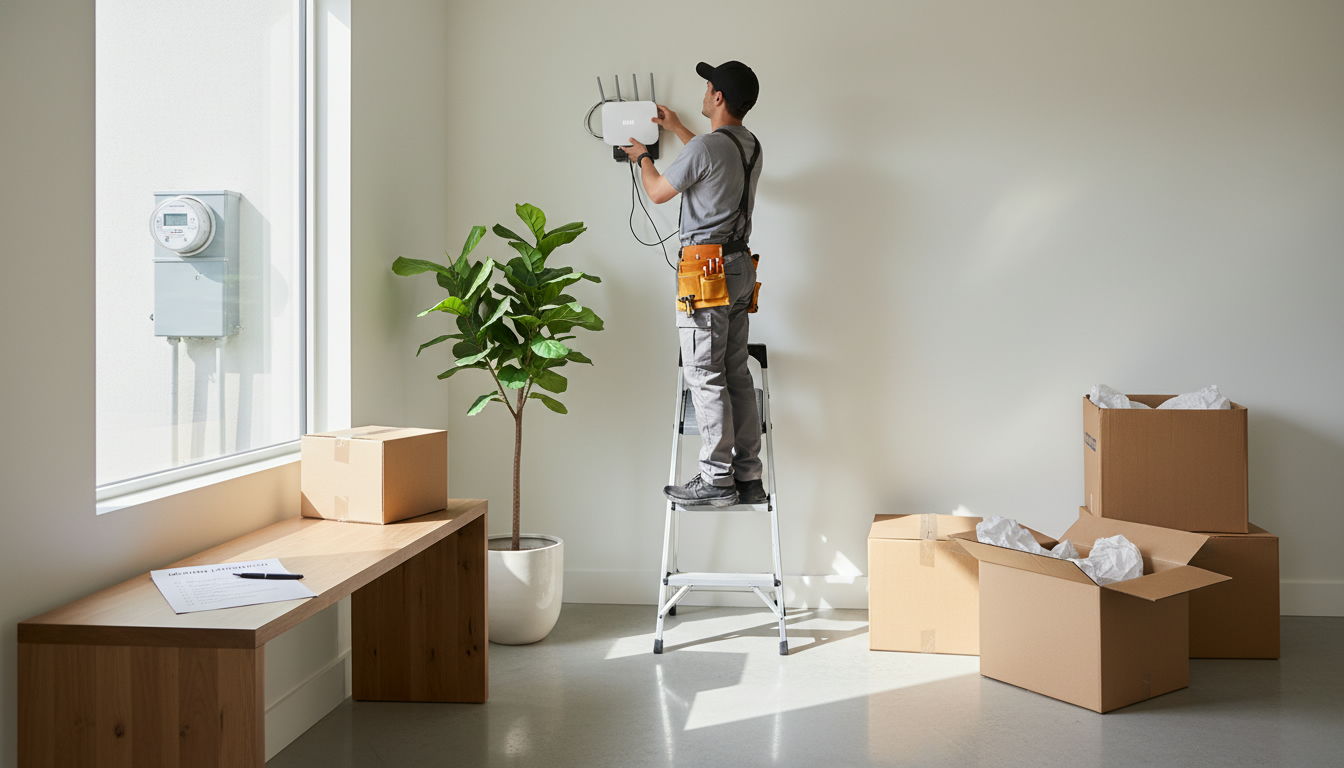
How do I set up utilities and internet before moving?
Want power, water and internet active the moment you walk in? Here's the fast plan that guarantees it.
Why set up utilities and internet before moving
Don’t leave utilities to chance. Scheduling utilities and internet ahead prevents cold showers, dark rooms, and zero connectivity on move-in day. Set up now to save time, avoid fees, and keep your move stress-free.
Exact step-by-step timeline to set up utilities and internet
Follow this timeline. It’s simple, effective, and used by top realtors to guarantee smooth moves.
2–4 weeks before move
- List providers: electricity, gas, water, internet, cable, phone, trash, and security. Search “utility setup” plus your city to find local suppliers.
- Gather account info: current address, new address, ID, social insurance number or payment method, and move-in date.
- Check internet options: compare ISPs for speed, price, and install window. Look for fiber or high-speed cable for best reliability.
- Book appointment: schedule ISP installation for move-in day or the day before. If same-day installs aren’t available, reserve the earliest slot and request a temporary mobile hotspot.
1–2 weeks before move
- Confirm service transfer or start date with each utility. Request written or email confirmation showing activation date.
- Arrange final meter reading for your old address to avoid extra bills.
- Check equipment needs: modem, router, or ONT for fiber. If landlord included equipment, confirm compatibility.
3–7 days before move
- Reconfirm ISP appointment time. Save technician contact and appointment number.
- Set up automatic payments or schedule first payment to avoid service holds.
- Update billing address for all accounts and set up mail forwarding with the post office.
Move-in day
- Be present for the ISP technician or authorize someone who will be at the property. Test internet speed and Wi-Fi coverage in main living areas.
- Turn on utilities and check water, heat, and power. Take photos of meter readings and document any damage for landlord or provider disputes.
After move (first 7 days)
- Confirm final readings and account transfers. Keep receipts and confirmation emails.
- Optimize Wi-Fi: place router centrally, change default passwords, and run a speed test.
Common pitfalls and how to avoid them
- Waiting until the last week: book 2–4 weeks out to secure appointments.
- Assuming landlord will handle everything: get confirmation in writing.
- Not checking modem compatibility: save time by buying or renting compatible equipment ahead.
Quick checklist you can copy
- Choose ISPs and schedule install
- Transfer electricity/gas/water
- Final meter reading at old home
- Update billing and mailing address
- Test internet and run speed checks
Move with certainty. Need a local pro to coordinate utility setup, ISP options, or move-day access? Tony Sousa is the local real estate expert who handles these details so your move is flawless. Contact: [email protected] | 416-477-2620 | https://www.sousasells.ca
Featured Real Estate Listings
Browse current properties available right now. Click any listing to view photos, floor plans, or schedule a private tour.


